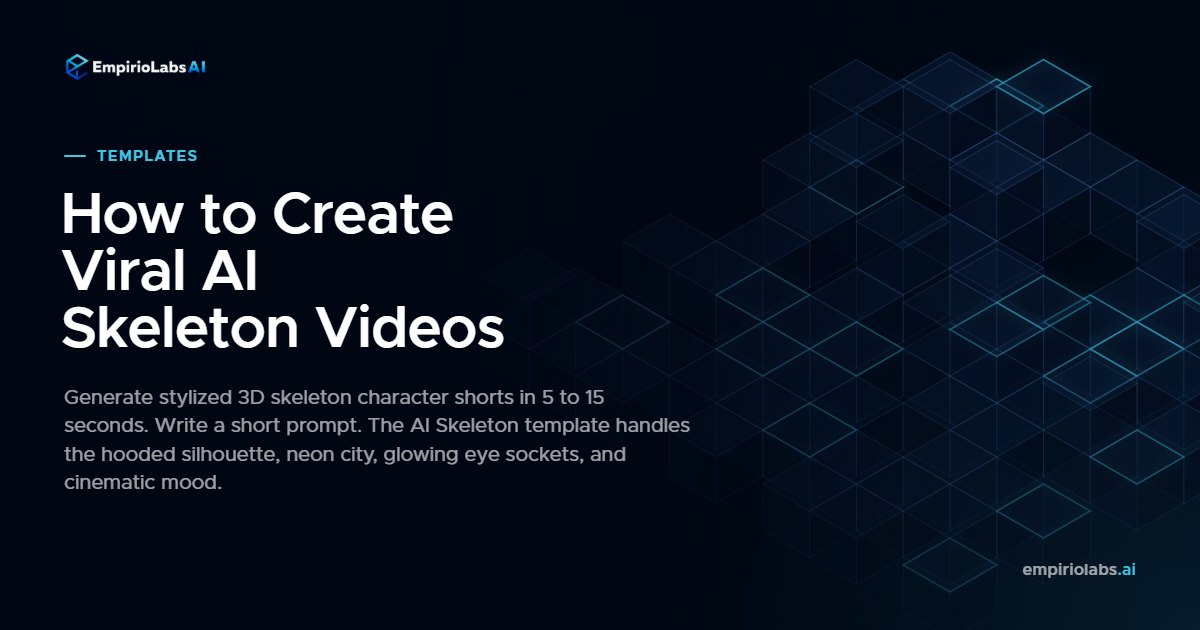
Stylized AI skeleton shorts are racking up millions of views on TikTok and YouTube. A hooded skeleton on a rainy rooftop, a button-down skeleton at a wooden table, a skeleton in an overcoat by the water at sunset. The AI Skeleton template on EmpirioLabs ships the entire visual language in one prompt: anthropomorphic skeleton character, modern human clothing, gentle inner-glow eyes, polished bones, warm tungsten interior or cool neon night exterior, soft depth-of-field.
The template works best with short, scene-focused prompts. Tell the model what the skeleton is wearing, where it is, and what the mood is. EmpirioLabs blends your input with the template's built-in styling and picks the recommended model automatically.
See AI Skeleton in action
Here is a sample generated entirely through the AI Skeleton template on EmpirioLabs. No editing, no compositing, no post.
How to generate AI Skeleton videos on EmpirioLabs
You need an EmpirioLabs account with active credits.
Step 1: Open the playground
Sign in to platform.empiriolabs.ai and click Playground in the top navigation. Switch the model selector to a video model. The AI Skeleton template recommends Seedance 2.0 Pro automatically.
Step 2: Open the Templates picker
Click the Templates button in the upper-left corner of the playground. Every available creative effect opens in a modal.
Filter by the Viral category to find AI Skeleton fast, or type the name in the search bar.
Step 3: Select AI Skeleton and write your prompt
Click the AI Skeleton card. The template gets stamped on the composer. Write a short scene-focused prompt in the text area. The template handles the styling. Need ideas? Pick one of the suggested-prompt chips below the input: hooded skeleton on a rainy rooftop, skeleton in an olive shirt at a dining table, skeleton in an overcoat by a yacht, skeleton in a sweater by a cafe window, skeleton in a denim jacket in a neon alley.
Step 4: Tune optional parameters
Open the Parameters panel to adjust duration, resolution, or aspect ratio. The default is 5 seconds at 9 by 16 vertical, but AI Skeleton supports 16 by 9, 1 by 1, and other ratios.
Step 5: Generate
Hit Send. Generation typically takes 60 to 180 seconds. The result appears inline with a download button and a 7-day shareable link.
Using the AI Skeleton template via the API
curl https://api.empiriolabs.ai/v1/videos/generations \
  -H "Authorization: Bearer $EMPIRIOLABS_API_KEY" \
  -H "Content-Type: application/json" \
  -d '{"template": "ai-skeleton", "prompt": "A skeleton in a black hoodie on a rainy rooftop at night"}'
The full request and response shape lives in the Generation Templates docs.
Pricing
Seedance 2.0 Pro starts at $1.50 for a 5-second 720p clip. 15 seconds runs about $4.50. You only pay for successful generations. Full pricing on the pricing page.
Try AI Skeleton now
Browse all templates | Open the playground | Read the Generation Templates docs